
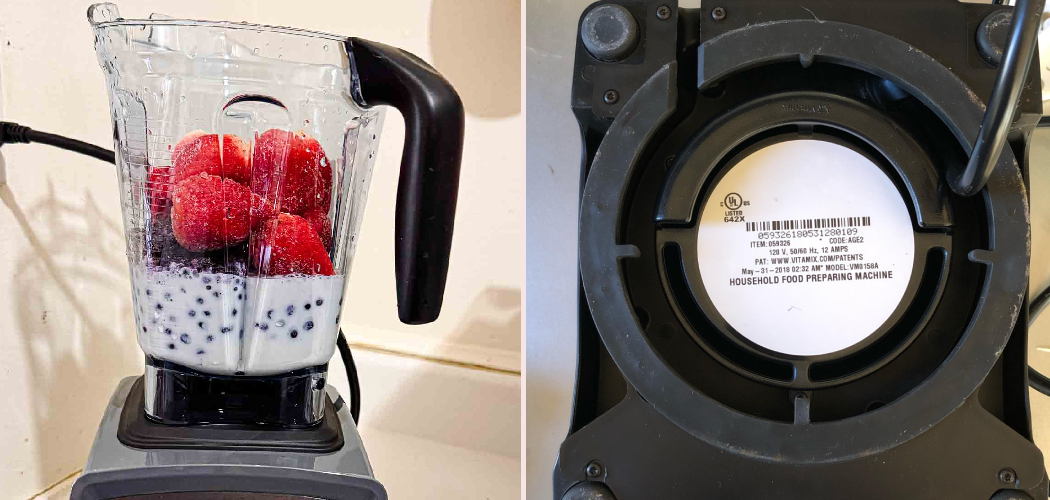
Your Vitamix just stopped mid-smoothie, and now it won’t turn on. Frustrating, right? Before you panic or assume the worst, take a deep breath. In most cases, your blender isn’t broken at all.
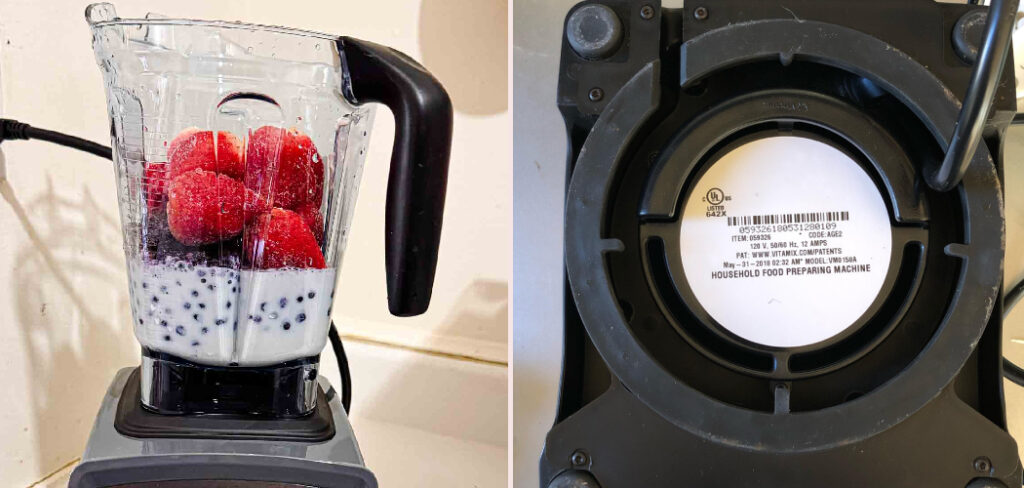
Vitamix machines come with smart built-in protection that shuts the motor down when it gets too hot or works too hard. That safety feature is actually doing its job. Once you understand the system, getting your blender running again is usually quick and simple.
Learning how to reset vitamix blender problems saves you money, time, and the hassle of shipping your machine off for repair. You can handle most of this yourself in your own kitchen.
This guide walks you through every step, from cooling down an overloaded motor to safely testing a restart, so you can get back to blending with confidence.
Why Resetting a Vitamix Blender Matters
Knowing this skill goes way beyond your kitchen counter. If you travel often or live in an RV, a dependable blender is a small luxury you don’t want to lose to a minor hiccup.
Cabin owners and off-grid cooks face the same reality. When you’re miles from the nearest store or repair shop, you can’t just swap in a new machine on a whim. Being able to troubleshoot on the spot keeps your meals and routines on track.
Beginners gain even more here. Understanding thermal overload protection and basic appliance care builds confidence that carries over to other small appliances in your home.
A Vitamix is a real investment, so protecting it makes sense. The better you understand how it behaves, the longer it lasts and the fewer surprises you’ll face down the road.
Tools and Materials You’ll Need
The good news is you won’t need a toolbox full of gear for this job. Most of what you need is already sitting in your kitchen drawers.
Start with a clean, dry cloth for wiping down the motor base and clearing any spilled ingredients. A soft brush or a can of compressed air helps you clear out the ventilation slots, where dust and food particles love to gather and trap heat. You’ll also want a flashlight to inspect the drive socket and the area under the container for wear or damage.
Keep a timer or your phone nearby, since cooling periods matter and guessing can lead to repeated shutdowns. Have a soft toothbrush handy too for tight spots around the speed dial.
One optional convenience item worth grabbing is a small outlet tester. It quickly confirms whether your wall outlet is the real culprit before you blame the blender.
Step-by-Step Guide on How To Reset Vitamix Blender
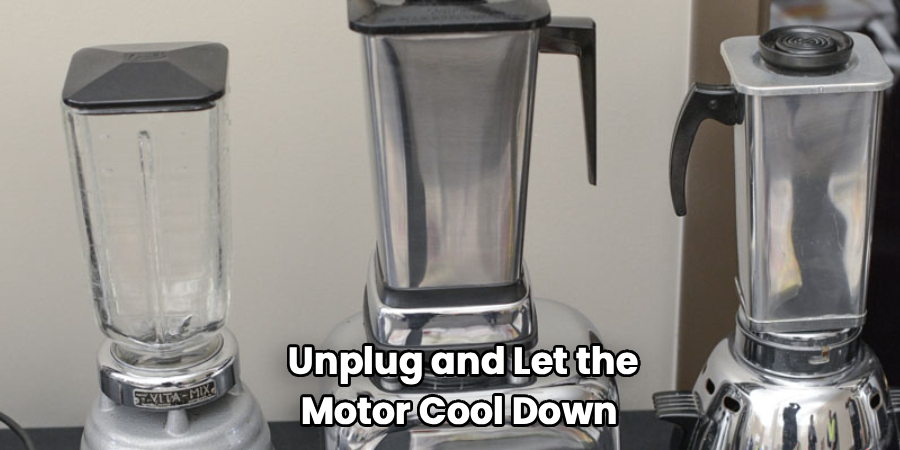
Step 1 – Unplug and Let the Motor Cool Down
The very first thing to do is stop and unplug your Vitamix from the wall outlet. If the machine shut off on its own, it likely tripped its thermal overload protection after working too hard on a thick blend.
Pull the power cord and set the base aside in a cool spot. You might catch a faint warm smell from the motor, which is normal after a hard run. A sharp burnt smell, though, is a warning sign worth noting.
Now comes the part most people skip: waiting. The motor needs a real cooling period, usually 20 to 45 minutes. Resist the urge to rush. Patience here often solves the whole problem before you touch anything else.
Step 2 – Check Your Power Source
While the motor cools, turn your attention to the power source. A dead Vitamix isn’t always the blender’s fault. Sometimes the issue lives in the wall, not the machine.
Look at your circuit breaker panel first. A blender pulling heavy power can trip a breaker, especially if other appliances share the same line. Flip the breaker fully off, then back on if it sits in the middle position.
Try plugging a lamp or phone charger into the same wall outlet. If that device powers up normally, your outlet is fine. If nothing works, you’ve found your answer without even touching the blender. This simple check saves you from chasing problems that aren’t really there.
Step 3 – Inspect the Outlet and Plug
Now look closer at the connection itself. Wiggle the power cord gently where it meets the plug and where it enters the motor base. You’re feeling for any looseness or frayed spots that could break the connection.
If your kitchen uses a GFCI outlet, often found near sinks, check for a tripped reset button on the outlet face. Press it firmly until you hear or feel a click. These outlets trip easily and catch many people off guard.
Examine the plug prongs for bent metal or buildup. A quick wipe with a dry cloth can clear away grime. Knowing how to reset vitamix blender issues often starts right here, with these small connection checks that take just a minute.
Step 4 – Understand Your Model’s Reset Behavior
Here’s something important: most Vitamix blenders don’t have a dedicated reset button. Instead, they rely on built-in thermal overload protection that resets itself once the motor cools.
So if you’re hunting for a magic switch, you probably won’t find one. The “reset” happens automatically. Your job is simply to remove the cause of the overload and give the machine time to recover.
Some newer models with digital displays may show an error or flash a light. Check your specific manual to understand what your model is telling you. Each generation behaves a little differently.
Once you accept that cooling is the real reset, the whole process makes more sense. You’re working with the machine’s design, not against it.
Step 5 – Reset the Thermal Protection by Waiting
This step is the heart of the fix. With the blender unplugged and cooling, the thermal overload protection quietly resets on its own. Your patience does the work here.
Set your timer for at least 30 minutes. Touch the bottom of the motor base now and then. When it feels cool to the hand instead of warm, the motor has likely recovered.
Rushing this is the number one reason people think their machine is dead. The protection won’t let the motor restart until it’s safe, and forcing repeated attempts only stresses the system more.
Use this break to plan your next blend. Smaller batches and a bit of liquid help frozen ingredients move freely and prevent another shutdown.
Step 6 – Clean the Vents and Motor Base Exterior
While you wait, give the base some attention. Blocked ventilation slots trap heat and cause the motor to overheat faster, which means more shutdowns for you.
Flip the unplugged base over and look at the air vents underneath. Use your soft brush or compressed air to clear out dust, flour, and dried splatter. You’ll often be surprised by how much gunk hides in there.
Wipe the exterior of the motor base with a dry or barely damp cloth. Never submerge it or let water near the electronics. Pay attention around the speed dial and pulse switch, where sticky residue can build up.
A clean, well-ventilated base runs cooler and lasts longer. This small habit prevents many future headaches.
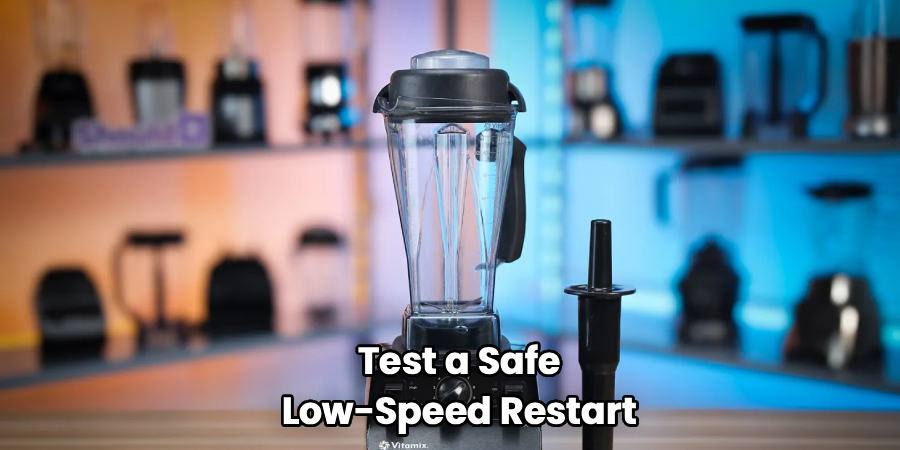
Step 7 – Test a Safe Low-Speed Restart
Once the base feels cool and clean, you’re ready to test it. Plug the power cord back into the wall outlet and place the empty container firmly onto the drive socket.
Turn the speed dial to the lowest setting first. Never start at high speed after a shutdown. Listen for a smooth, steady hum without grinding or stuttering. That sound tells you the motor is happy again.
Let it run for a few seconds at low speed, then gently increase. If it climbs through the speeds without hesitation, you’ve succeeded. Learning how to reset vitamix blender troubles really comes down to this calm, careful restart.
If it shuts off again quickly, unplug it and return to the cooling step before trying once more.
Step 8 – Recognize When It’s Time for Service
Sometimes the problem runs deeper than heat. If your blender still won’t run after proper cooling and clean vents, look for other clues.
Spin the drive socket on the base with your finger. A worn or stripped socket may turn loosely or feel rough, and that prevents the blades from engaging the motor. Inspect the container base too, since a damaged container coupling causes the same trouble.
A strong burnt smell, smoke, or a motor that hums but won’t spin points to an internal issue. Stop here. Never open the motor base or poke at internal electronics yourself.
At this point, contact Vitamix support. Their machines carry long warranties, and a quick call often gets you a free repair or replacement.
Critical Mistakes When Resetting a Vitamix Blender
A few common errors turn a simple fix into a frustrating ordeal, so let’s clear them up before you make them.
The biggest mistake is not waiting long enough for the motor to cool. People plug the machine back in after a couple of minutes, get nothing, and assume it’s broken. The thermal overload protection needs a full cooling period, often half an hour or more, before it will let the motor restart. Patience truly is the cure here.
Another frequent slip is repeatedly hitting the power switch or cranking the speed dial during a shutdown. Each forced attempt adds motor strain and can deepen the problem instead of solving it. Let the machine rest.
Many people also blend thick mixtures or frozen ingredients without enough liquid, which causes the motor to bog down and overheat in the first place. Adding a splash of liquid and using the tamper keeps things moving smoothly.
Finally, ignoring clogged ventilation slots is a quiet killer. A base packed with dust and dried food overheats again and again. And please, never try to open the motor base. That’s both dangerous and a fast way to void your warranty.
Expert Tips
Want to keep your Vitamix running strong for years? Start by blending in smaller batches when you tackle thick or frozen mixtures. This eases motor strain and prevents most overheating shutdowns before they happen.
Always add liquid to dense blends and use the tamper to push ingredients toward the blades. A free-moving blend keeps the motor cool and happy.
Make vent cleaning a monthly habit. A quick blast of compressed air through the ventilation slots takes seconds and prevents heat buildup.
Give your machine a short rest between long, heavy blends instead of running it back to back. Think of it like letting a runner catch their breath.
And keep your model’s manual handy, either on paper or saved on your phone. When something feels off, the answer is often a quick page-flip away.
Frequently Asked Questions
Does a Vitamix have a reset button?
Most Vitamix models don’t have a dedicated reset button. Instead, they use thermal overload protection that resets automatically once the motor cools down. If your blender shut off mid-use, simply:
- Unplug it from the wall outlet
- Let it cool for 30 to 45 minutes
- Plug it back in and test at low speed
The “reset” really just means giving the motor time to recover safely.
Why did my Vitamix suddenly shut off?
Your Vitamix most likely overheated and triggered its built-in safety shutdown. This usually happens when you blend thick mixtures or frozen ingredients without enough liquid, forcing the motor to work too hard. A tripped circuit breaker or GFCI outlet can also cut power. Let the motor cool fully, add liquid to your blend next time, and use the tamper to keep ingredients moving freely.
How long should I wait before restarting my Vitamix?
Wait at least 30 minutes, and up to 45 if the motor ran hard. The thermal protection won’t allow a restart until the motor cools to a safe temperature. Touch the bottom of the motor base to check. When it feels cool rather than warm, you’re good to go. Rushing this step is the top reason people wrongly assume their machine has died.
What does it mean if I smell a burnt odor?
A faint warm smell after heavy use is usually normal. A strong, sharp burnt odor is not. It can signal an overworked or damaged motor, especially if paired with smoke or a humming motor that won’t spin. If you notice this:
- Unplug the machine immediately
- Don’t attempt another restart
- Contact Vitamix support for service
Never open the motor base yourself.
Can I fix a Vitamix that won’t spin at all?
If the motor hums but the blades won’t turn, the drive socket or container coupling may be worn or stripped. Inspect both for looseness or damage. A faulty container is sometimes the real issue, not the motor. Simple cleaning and checking won’t hurt, but avoid opening the base. Most Vitamix machines carry long warranties, so contacting support is often your cheapest, safest path.
Conclusion
Getting your Vitamix back to life is rarely as hard as it first seems. Most of the time, the machine simply protected itself and waits for you to cool it down and clear away whatever caused the strain.
Remember the key steps. Unplug the base and let the motor rest for a real cooling period. Check your power source, including the wall outlet, circuit breaker, and any GFCI reset. Clean those ventilation slots so heat escapes freely. Then test a calm, low-speed restart and watch for any warning signs like a burnt smell or a motor that won’t spin.
The real reward of knowing how to reset vitamix blender problems is the confidence it gives you. You save money, skip the repair shop, and keep your kitchen running smoothly, whether you’re at home, in an RV, or off the grid.
Treat your machine kindly with smaller batches, enough liquid, and regular vent cleaning, and it’ll serve you for years. So next time it stops, don’t worry. You’ve got the knowledge to fix it yourself.
