
A locked Whirlpool oven can make a simple meal feel stressful, especially when you are staring at a display that says “Door Locked,” “Control Lock,” or “Clean.” The good news is that most lock situations have a safe, simple cause. Your oven may be protecting you during a self-clean cycle, preventing keypad changes through a child lock, or waiting to reset after a power interruption. If you want to learn how to unlock the whirlpool oven, the first step is to identify why it locked before you press buttons or pull on the door. This guide explains the safest beginner-friendly way to read the signs, try the right controls, and know when to call for help.
Why Learning to Unlock a Whirlpool Oven Matters
This skill helps when you cook in cabins, vacation homes, outdoor kitchens, RV-style spaces, or any place with an unfamiliar Whirlpool range. You may not know the model, the keypad layout, or the last cycle someone used. A locked oven can delay dinner, create worry, or lead you to call for service when the fix may be simple.
Understanding control lock, child lock, and self-clean cycle behavior gives you more confidence around secondary kitchens and shared appliances. It also keeps you safer. You will know not to force a hot door, pry a latch, or keep running a cycle if the display panel shows an error code. A calm check can save time, protect the appliance, and prevent damage.
Tools and Materials You’ll Need
You do not need many tools to troubleshoot a locked Whirlpool oven. In most cases, the right information and a patient approach matter more than equipment. Gather these items before you begin so you can check the display, model details, and power safely.
- Whirlpool oven or range manual
- Flashlight for reading labels and seeing the latch area
- Phone or notebook for recording error codes
- Dry hands for using the keypad safely
- Access to the breaker panel, if a reset becomes necessary
- Heat-safe awareness, especially after self-cleaning
- Whirlpool model number, if you can find it
- Optional convenience item: phone camera for taking a picture of the display panel
Never use tools to pry the door open or force the latch.
Step-by-Step Guide on How to Unlock the Whirlpool Oven
Step 1 – Read the Display Before Touching the Door
Start by looking closely at the display panel. You may see “Lock,” “Control Lock,” “Door Locked,” “Clean,” or an error code. These words tell you what kind of lock you may be dealing with. The oven is giving you a clue, and guessing can make the problem worse.
This is the safest place to begin when learning how to unlock the whirlpool oven because lock behavior changes by model and situation. A control lock affects the keypad. A self-clean lock protects you from extreme heat. A latch issue may need service. Read first, then act.
Step 2 – Check Whether Control Lock Is On
If the cooktop or oven responds poorly to button presses, the control lock or child lock may be active. This feature stops accidental keypad use, which helps in homes with children or in shared spaces where someone may lean on the controls.
Some Whirlpool models have a dedicated Control Lock button. Others require you to press and hold Cancel, Start, or another labeled pad for about three to five seconds. Watch the display while you hold the button. You may hear a beep, and the lock message may disappear when the keypad unlocks.
Step 3 – Cancel Any Active Cooking Cycle
If the oven is in a bake, broil, timed cook, or cleaning mode, press the cancel pad once. Use a firm, steady press with dry fingers. Do not jab several buttons at once, since that can confuse the controls or start another setting by mistake.
After you press Cancel, wait and watch the display. Some models need a moment to respond. If the oven was heating, you may hear the fan run or feel warmth near the door. That does not always mean something is wrong. The appliance may be ending the cycle before it allows the door to unlock.
Step 4 – Wait Through the Self-Clean Cooling Period
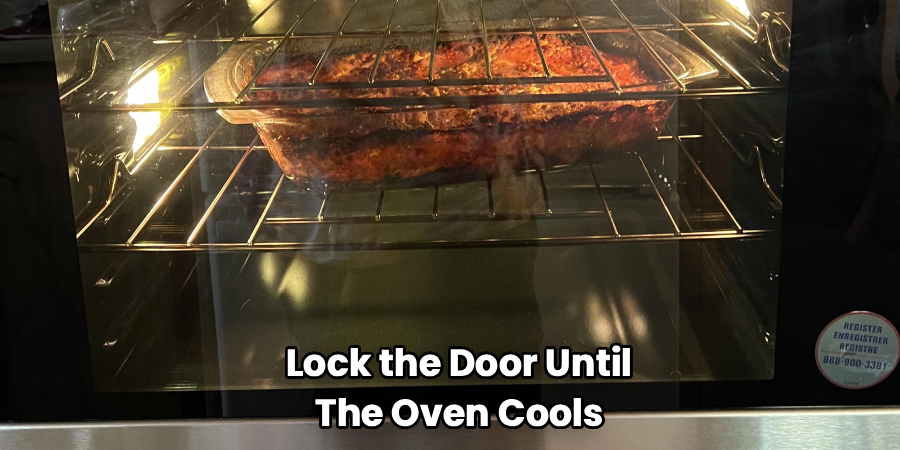
A self-clean cycle creates very high heat, so Whirlpool ovens often lock the door until the oven cools to a safe temperature. Even after the cycle ends, the door locked light may stay on for a while. The metal, glass, and oven cavity can hold heat long after the display changes.
Do not pull on the handle during this cooling period. The door may feel stuck, but the latch is doing its job. Let the oven cool fully. You may hear small clicks, fan sounds, or light metal ticking as parts contract. Once the temperature drops enough, the latch should release.
Step 5 – Try the Correct Lock Button Again
Once the oven is cool and no cycle is active, try the model’s lock command again. This is often a press-and-hold action, not a quick tap. Look for labels near the keypad such as Control Lock, Lock Hold 3 Sec, Start, or Cancel.
When practicing how to unlock the whirlpool oven, match your button choice to your model instead of relying on one universal rule. Some Whirlpool controls use the start pad. Others use cancel or a special lock pad. Hold the correct button for several seconds, then release and give the display time to update.
Step 6 – Check for a Power Interruption
A brief power outage can leave the control board confused, especially if the oven was running a cycle when power dropped. The display may flash, show an error code, or keep the door locked even after the oven cools. If the keypad does not respond, power may be part of the problem.
If it is safe and reasonable, turn the oven off at the breaker for one minute, then turn it back on. Keep your hands dry and stand clear of wet floors. After power returns, check the display and try Cancel or the correct lock button again.
Step 7 – Look for Signs of a Latch Problem
If the display clears but the door still will not open, the latch may be stuck, misaligned, or failing. You may hear clicking without movement, or one side of the door may feel tight. Do not pry around the door seal or push tools into the latch opening.
Mechanical latch issues need care because the door lock connects to safety parts inside the oven frame. Forcing it can bend the latch or damage the door. If the oven is cool, power is stable, and the correct buttons do not work, stop troubleshooting and prepare to contact support or a technician.
Step 8 – Check the Manual and Decide on Service
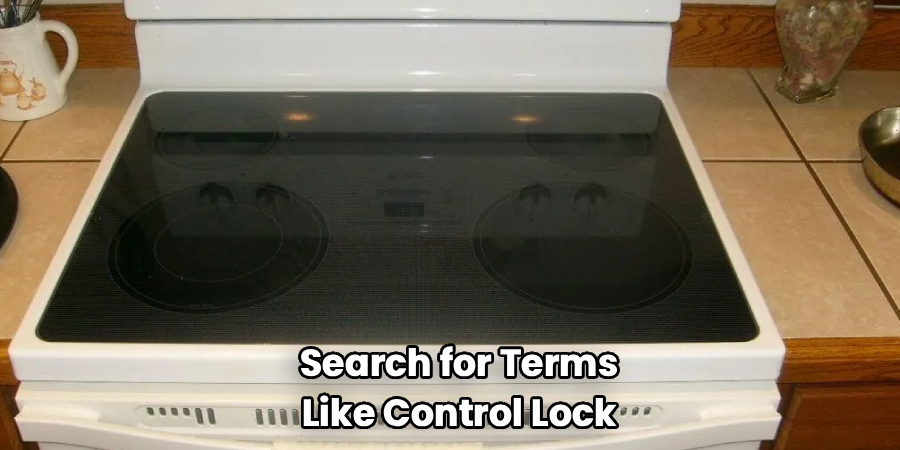
Your Whirlpool manual is the best guide for model-specific keypad commands, error codes, and lock messages. Search for terms like control lock, door locked light, self-clean, cancel pad, start pad, reset power, and latch. If you cannot find the paper manual, use the model number to locate the right information.
Call Whirlpool support or a qualified technician if the lock returns often, the display shows a repeating error code, the oven smells electrical, or the latch keeps clicking. Safe unlocking should not require force, repeated breaker resets, or disassembly. Your goal is to restore normal use without risking injury or damage.
Common Mistakes to Avoid When Unlocking a Whirlpool Oven
One common mistake is forcing the oven door. A locked door may feel like it only needs a strong pull, but the latch can bend or break. If the oven recently ran a self-clean cycle, the lock may still protect you from dangerous heat.
Another mistake is assuming every Whirlpool model uses the same unlock button. Some models use Control Lock, while others require holding Cancel, Start, or another labeled keypad area. If you press random buttons, you may start a cycle, clear a useful error code, or make the display harder to read.
Many beginners also reset power too soon. A breaker reset can help after a power interruption, but it should not replace cooling time after self-cleaning. If the oven is hot, wait first.
A fourth mistake is ignoring error codes. Write them down or take a photo before pressing more controls. Those codes can help support or a technician find the problem faster.
Finally, do not remove panels or disassemble the latch. Unlocking is a user-level task. Internal repairs belong to trained service professionals.
Expert Tips
Treat the display like a conversation with the appliance. The words, lights, and beeps usually point to the cause. “Control Lock” means the keypad is locked, while “Door Locked” during or after cleaning usually means heat protection. These are different problems, so they need different responses.
Keep your model number handy, especially in a cabin, rental, or outdoor kitchen where several people use the oven. A small note inside a cabinet with the model number and basic lock command can prevent stress later.
After any self-clean cycle, plan extra cooling time before you need the oven again. That simple habit prevents rushed pulling, repeated button pressing, and unnecessary service calls.
Frequently Asked Questions
Why does my Whirlpool oven say Door Locked?
Your oven may say “Door Locked” because a self-clean cycle is running or the oven is still cooling after high heat. It may also appear after a power interruption or if the latch has a problem. Wait until the oven cools fully, press Cancel if a cycle is active, and check the manual if the message stays on.
How long does a Whirlpool oven stay locked after self-cleaning?
The door often stays locked until the oven reaches a safe temperature. This cooling period can take 30 minutes or longer, depending on the model, room temperature, and cleaning cycle length. Do not force the handle. If the oven is cool and the door locked light remains on for a long time, check the manual or call support.
What button unlocks the control lock?
It depends on your Whirlpool model. Some ovens have a Control Lock button or a key icon. Others unlock when you press and hold Cancel, Start, or another labeled pad for several seconds. Look at the keypad for small instructions such as “Hold 3 Sec.” If you are unsure, use the manual for your exact model.
Should I reset the breaker if the oven will not unlock?
A breaker reset may help if the oven had a power interruption or the display is frozen. Turn the breaker off for about one minute, then restore power if it is safe to do so. Do not use a reset to bypass a hot self-clean lock. If the door remains locked afterward, contact support or a technician.
When should I stop troubleshooting?
Stop if the oven is hot, smells electrical, shows a repeating error code, makes unusual clicking sounds, or the latch will not release after normal steps. You should also stop if you feel tempted to pry the door. At that point, the safest choice is Whirlpool support or a qualified appliance technician.
Conclusion
Unlocking a Whirlpool oven starts with calm observation. Read the display panel, identify whether you are dealing with control lock, child lock, a self-clean cycle, a cooling period, a power interruption, or a latch problem. Then use the correct button sequence for your model, press Cancel when appropriate, and give the oven time to cool after high heat.
The most important safety rule is simple: never force the door. A working lock protects you from heat and prevents unsafe operation. If the keypad will not respond, the door locked light will not clear, or an error code keeps coming back, get help rather than taking the oven apart.
Once you understand how to unlock the whirlpool oven, you can handle unfamiliar appliances in homes, cabins, RV-style spaces, and outdoor kitchens with more confidence. Move slowly, follow the manual, and choose safety over speed.

About
Nick Hall has spent the last seven years working at the intersection of kitchen design and home repair — first as a design assistant at a residential renovation studio, then as a freelance writer covering everything from cabinet layouts to leaky faucet fixes.
Her approach is simple: kitchens should look good and function well. That means she’s just as comfortable talking about color palettes and counter materials as she is walking readers through how to fix a wobbly cabinet hinge or troubleshoot a garbage disposal.
Nick has worked directly with homeowners on small-space kitchen makeovers, budget-conscious renovations, and the kind of everyday repairs that don’t need a contractor — just the right instructions. She writes from experience, not theory, and tests most of the fixes and tips she shares before publishing them.
When she’s not writing, Nick is usually hunting for mid-century kitchen finds at estate sales or helping friends plan their own renovations. She lives in Columbus, Ohio.