
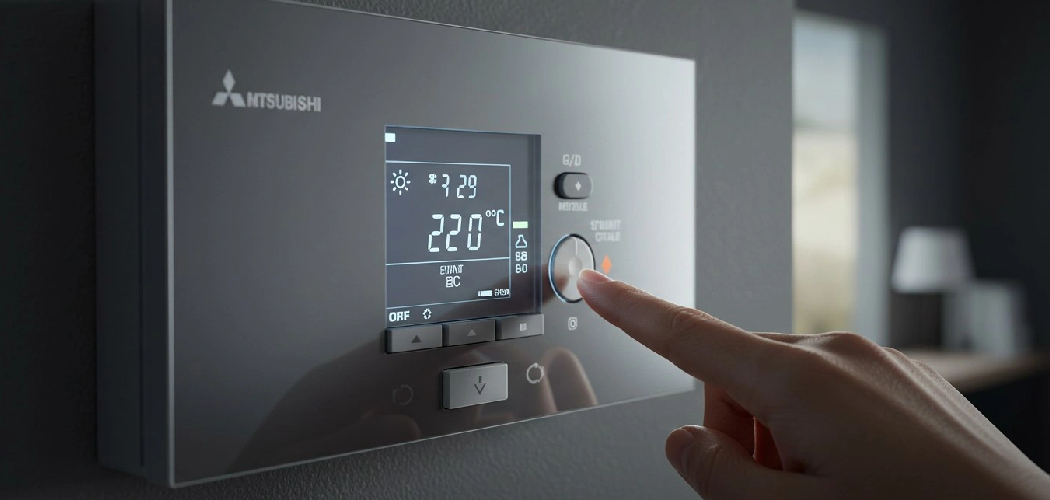
An electric oven can stop responding at the worst time. The display panel may freeze, the oven clock may blink, an error code may appear, or the bake setting may refuse to start. For a first-time user, that can feel more serious than it really is. In many cases, the control board simply needs a clean power cycle so it can clear a temporary fault.
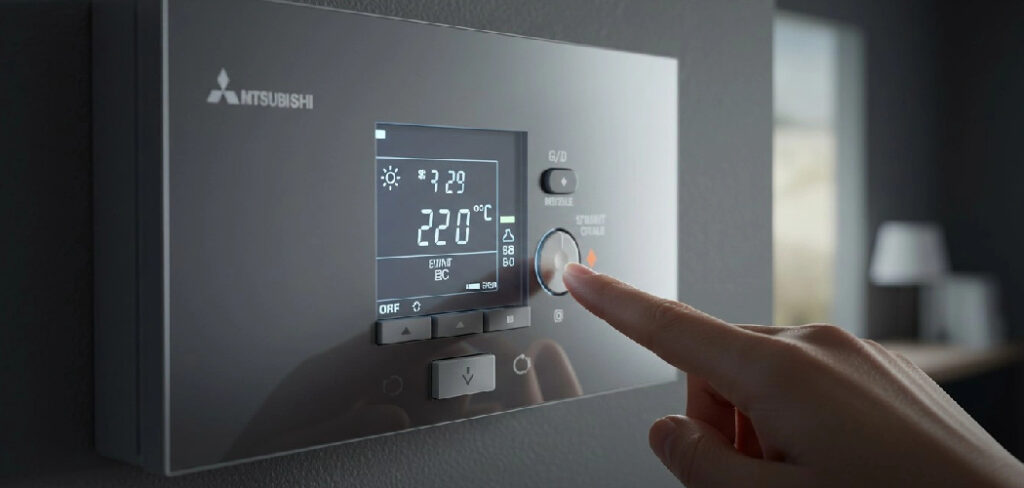
Learning how to reset an electric oven helps you restore normal operation without guessing, forcing buttons, or calling for service too soon. You will also know when a basic reset is safe and when the issue may point to a tripped breaker, voltage issue, thermal fuse, or damaged component. This guide shows you the safe, practical steps to reset your oven and troubleshoot common problems with confidence.
Why Knowing How to Reset an Electric Oven Matters
Resetting an electric oven is a basic appliance troubleshooting skill that can save time, food, and stress. It matters even more when you cook away from a full home kitchen. In a cabin, RV kitchen, travel trailer, vacation home, or outdoor cooking setup, you may not have fast access to a technician or a replacement appliance.
Campers and outdoor beginners often deal with shared power, extension hookups, small breaker panels, and unfamiliar appliances. A simple power interruption can confuse the oven clock or make the control panel stop responding. Knowing what to check helps you avoid unsafe shortcuts and wasted meals.
For practical homeowners, this skill also helps you tell the difference between a minor glitch and a real electrical or control board problem.
Tools and Materials You’ll Need
You do not need much equipment to reset most electric ovens, but the right items make the process safer and easier. Gather these before you begin, especially if the oven is hot or installed in a tight space.
- Oven mitts or heat-resistant gloves
- Flashlight or phone light
- Owner’s manual for your oven model
- Dry cloth for the control panel and surrounding area
- Access to the wall outlet, power cord, or circuit breaker
- Phone or notebook to record error codes
- Timer or clock to track reset time
- Optional convenience item: non-contact voltage tester for basic power checks
Always follow safety precautions. Keep water away from electrical parts, avoid touching bare wires, and stop if you smell burning plastic, see sparks, or feel unsure about the power supply.
Step-by-Step Guide on How to Reset an Electric Oven
Step 1 – Read the Display Panel Carefully
Start by looking at the display panel before you touch anything. The oven may show an error code, a flashing oven clock, a locked door message, or a blank screen. These small clues tell you whether the issue may involve the control panel, power supply, door lock, or temperature system.
If you are learning how to reset an electric oven, this first step matters because not every problem needs the same fix. A frozen clock after a storm is different from a fault code that returns every time you choose Bake.
Write down any code you see. The letters and numbers may seem random, but they can help you search your owner’s manual later. Listen for beeps, clicks, or silence too, since those sounds can show whether the oven still has power.
Step 2 – Cancel the Current Cooking Function
Press Cancel, Clear, or Off on the control panel. Use one firm press, then wait a few seconds. Many electric ovens need a short pause before the display changes, especially if the control board is busy clearing a cooking mode.
If the oven was preheating, you may hear a soft click as the heating elements shut down. The warm smell from the oven cavity may linger, but the display should move back toward the clock or standby screen.

Do not press every button at once. That can make the control panel harder to read and may trigger extra settings, such as timer, delay start, or control lock. Start simple and let the oven respond.
Step 3 – Let the Oven Cool Before Handling Power
If the oven is hot, give it time to cool before reaching behind it or near the power cord. Heat can rise around the back of the range, and metal edges may stay warm longer than expected. Open the door slightly if it is safe, and let the trapped heat drift out.
Use oven mitts if you need to move racks or remove cookware. Avoid touching the heating elements, inner walls, or the area around the door seal. Even after the display turns off, the oven cavity can still burn skin.
Cooling also protects you while checking the wall outlet or breaker. A calm, cool workspace makes it easier to think clearly and avoid rushing.
Step 4 – Turn the Oven Off at the Breaker or Outlet
Now disconnect power to the oven. If your range plugs into a reachable wall outlet, grasp the plug and pull it straight out. Do not yank the power cord. If the outlet sits behind the oven or is hard to reach, use the circuit breaker instead.
Find the breaker labeled range, oven, kitchen, or appliance. Switch it fully to Off. If the breaker feels loose or sits between On and Off, it may be a tripped breaker. Push it to Off first, then later return it to On.
This power break is the core of how to reset an electric oven because it lets the control board shut down fully. The display should go dark once power stops.
Step 5 – Wait Long Enough for the Control Board to Clear
Wait at least one full minute before restoring power. For some ovens, three to five minutes works better. This pause gives the electronic control board time to discharge and clear a temporary software fault.
Use this short wait to inspect the area. Look for a pinched power cord, a loose plug, signs of heat damage, or a dusty wall outlet. A faint warm smell can be normal after cooking, but a sharp burnt odor is not.
Do not keep flipping the breaker quickly. Fast on-off cycling can confuse the appliance and may stress electrical parts. A steady reset works better than repeated tapping or guessing.
Step 6 – Restore Power and Watch the Display
Reconnect the oven by plugging it back in or turning the circuit breaker to On. Stand nearby and watch the display panel. You may hear a beep, see all segments flash, or notice the oven clock blinking at 12:00.
That blinking clock is usually a good sign. It means the oven has power and the control panel has restarted. If the screen stays blank, check the breaker again and confirm the wall outlet has power.
If the breaker trips again right away, stop. A repeated trip may point to a short, damaged heating element, wiring issue, or voltage issue. In that case, avoid using the oven until a qualified technician checks it.
Step 7 – Set the Clock and Test the Bake Setting
Set the oven clock before testing the cooking functions. Some models will not start a timed feature or may act oddly until the clock is set. Use the Clock, Settings, or plus and minus buttons based on your owner’s manual.
Next, choose the bake setting and enter a moderate temperature, such as 350°F. Press Start and listen for the normal relay click. Within a few minutes, you should feel gentle heat building inside the oven cavity.
This test confirms whether the reset worked. The oven should begin to preheat, the display should update normally, and no error code should return. If the oven starts heating, cancel the test after a few minutes.
Step 8 – Check for Returning Error Codes or Power Problems
After the test, keep watching the oven for several minutes. If the same error code returns, the reset may have cleared the symptom but not the cause. The issue could involve a sensor, control board, door latch, thermal fuse, or heating circuit.
A single reset can fix a temporary glitch after a power outage. Repeated resets, however, are not a long-term repair. If the oven fails again during preheat or shuts off during baking, write down the pattern.
The final part of how to reset an electric oven is knowing when to stop troubleshooting. If you see sparks, smell burning, hear buzzing, or trip the breaker more than once, turn off power and schedule service.
Common Mistakes When Resetting an Electric Oven
One common mistake is skipping the display panel. Many people turn the breaker off before reading the error code, which removes a useful clue. If the code comes back, you may not remember what it said. Take a quick photo or write it down before cutting power.
Another mistake is resetting the breaker too quickly. A control board needs time to power down fully. If you flip the breaker off and on in two seconds, the oven may not clear the fault. Give it at least one minute, and use three to five minutes if the display was frozen.
Some users also pull the range away from the wall without checking for heat, weight, or cord length. Electric ranges can be heavy, and the power cord may be shorter than expected. If the outlet is not easy to reach, use the breaker instead.
A fourth mistake is ignoring a tripped breaker that keeps tripping. That is not a normal reset problem. It can signal a damaged element, shorted wire, or other electrical fault. Do not keep forcing the breaker back on.
Finally, many beginners assume every blank display means a bad oven. Sometimes the outlet, breaker, or home power supply is the real cause.
Expert Tips
Use the owner’s manual as your model-specific guide. Electric ovens share the same basic reset logic, but button names and error codes vary by brand and model. A reset button is rare on many modern ovens, so do not waste time searching for one unless your manual shows it.
If your oven acts up after storms or campground power changes, consider a dedicated surge protector approved for appliance use. Sensitive control boards can react poorly to unstable voltage.
Keep the control panel dry and clean. Grease, steam, and cleaning spray can affect touch controls. Spray cleaner onto a cloth, not directly onto the panel. If your oven needs frequent resets, treat that as a warning sign, not normal maintenance.
Frequently Asked Questions
How Long Should I Leave an Electric Oven Unplugged?
Leave the oven unplugged or switched off at the breaker for at least one minute. If the control panel was frozen or showing a persistent error code, wait three to five minutes. This gives the control board enough time to shut down fully. After restoring power, set the clock and test the bake setting.
Why Is My Electric Oven Still Not Working After a Reset?
If the oven still does not work, the problem may not be a temporary control glitch. Check for a tripped breaker, loose plug, dead wall outlet, or voltage issue. If the display turns on but the oven will not heat, the issue may involve a heating element, temperature sensor, thermal fuse, or control board.
Is There a Reset Button on an Electric Oven?
Most electric ovens do not have a separate reset button. Instead, you reset them by canceling the current function and disconnecting power at the wall outlet or circuit breaker. Some models have special button sequences for control lock or settings, so check the owner’s manual if the control panel does not respond.
Can I Reset an Oven While It Is Hot?
You can turn the oven off while it is hot, but you should be careful before touching the plug, cord, or area behind the appliance. Let the oven cool if you need to move it or reach behind it. Use oven mitts near hot surfaces, keep children away, and avoid contact with heating elements.
When Should I Call a Technician?
Call a technician if the breaker trips repeatedly, the oven smells burnt, the display stays blank after power checks, or the same error code keeps returning. You should also get help if the oven heats unevenly, will not preheat, or shuts off mid-cycle. These signs may point to a part failure or electrical problem.
Conclusion
Resetting an electric oven is usually a simple process: read the display, cancel the current function, disconnect power, wait, reconnect power, set the clock, and test the bake setting. These steps help clear minor control panel glitches, restore normal preheat behavior, and give you a safer way to troubleshoot before calling for help.
This skill is useful at home, in a cabin, in an RV kitchen, or anywhere you depend on electric cooking appliances. Move slowly, follow safety precautions, and pay attention to error codes, breaker behavior, and unusual smells or sounds.
Now that you know how to reset an electric oven, you can handle common power and control issues with more confidence. If the problem returns, stop resetting and use your notes to guide the next step: checking the manual or contacting a qualified appliance technician.

About
Nick Hall has spent the last seven years working at the intersection of kitchen design and home repair — first as a design assistant at a residential renovation studio, then as a freelance writer covering everything from cabinet layouts to leaky faucet fixes.
Her approach is simple: kitchens should look good and function well. That means she’s just as comfortable talking about color palettes and counter materials as she is walking readers through how to fix a wobbly cabinet hinge or troubleshoot a garbage disposal.
Nick has worked directly with homeowners on small-space kitchen makeovers, budget-conscious renovations, and the kind of everyday repairs that don’t need a contractor — just the right instructions. She writes from experience, not theory, and tests most of the fixes and tips she shares before publishing them.
When she’s not writing, Nick is usually hunting for mid-century kitchen finds at estate sales or helping friends plan their own renovations. She lives in Columbus, Ohio.